NURSING HOME Scheduling Software
Nursing home scheduling that keeps your team ready for anything.
Staff scheduling for a nursing home shouldn’t be a pain. Zoomshift’s scheduling templates, shift cover requests, and in-app communication tools help you reclaim your time so you can focus on those in need.
You're chronically short-staffed and your scheduling process makes it worse.
Nursing home turnover averages 60-75% annually for CNAs — one of the highest rates of any industry. When your roster is constantly changing and your scheduling is in a spreadsheet, you lose time re-entering employees, rebuilding schedules, and finding coverage for shifts that fall apart mid-week. ZoomShift makes it fast to add new employees and get them into the schedule, so a new hire can be on the schedule in minutes after completing onboarding.
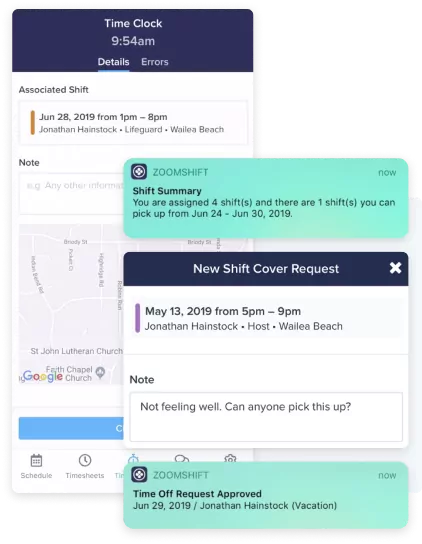
Overtime is chronic and expensive.
In a 24/7 facility with variable call-outs, staff picking up extra shifts to earn more pay, and pressure not to run short on any shift, overtime accumulates fast. ZoomShift's overtime warnings show administrators when a staff member is approaching their 40-hour threshold as the schedule is built, not after the fact. Reassigning that shift to someone with more hours available costs nothing. Paying overtime does.
Make nursing schedules faster.
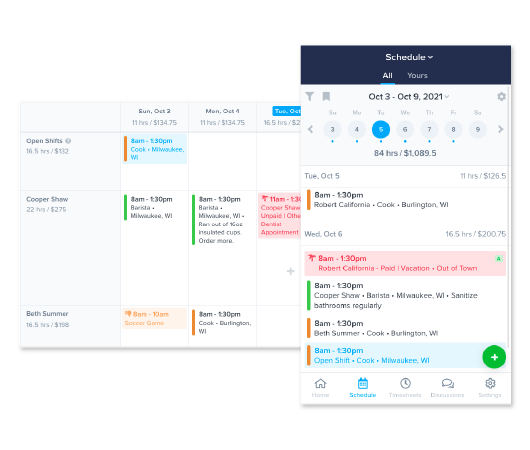
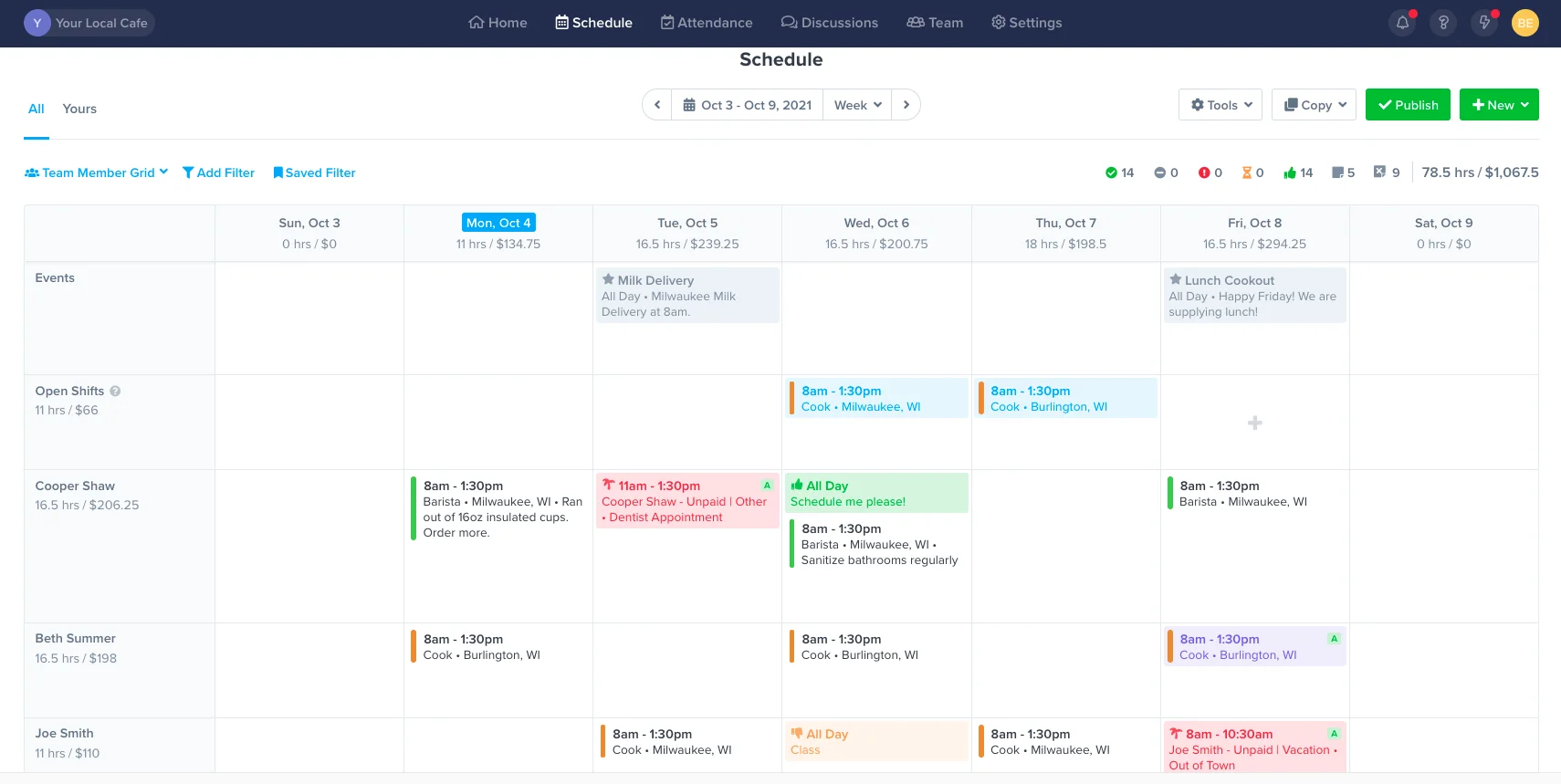
Get everything you need in one place – availability preferences, time off requests, events, shift swaps. Use templates to build schedules, fast.
Copy work schedules
Use templates to schedule in minutes. Drag and drop shifts in place on the calendar.
Improve staff accountability
Share schedules via text message, push notification, and email. Automate reminders from team members so they are alerted before their shift starts.
Everything in one place
Invite your team to view their schedules, set their availability preferences, request time off, and pick up open shifts.
Track labor hours and dollars
Track labor to sales and keep an eye on overtime. Always stay in control of payroll costs.
Improve communication
Keep your team in the loop with event schedules, group chats, and direct messages.
Manage requests with ease
No more text messages or calls. Respond to shift swaps and time-off requests in one place.
NURSING SCHEDULING
Frequently Asked Questions
Prices vary based on which package you select and how many active employees are using the software each month. Check out our Starter, Premium, and Enterprise solutions to see what fits your needs the best.
We offer a full-fledged 14-day free trial you can access here. No credit card is required.
If you have questions about ZoomShift, you can chat directly with our sales team by heading over to our homepage, clicking Demo at the top right section of your screen, and choosing a date and time that works best for you.
We also have an in-depth Knowledge Center jam-packed with popular articles, guides, and more frequently asked questions (FAQs).
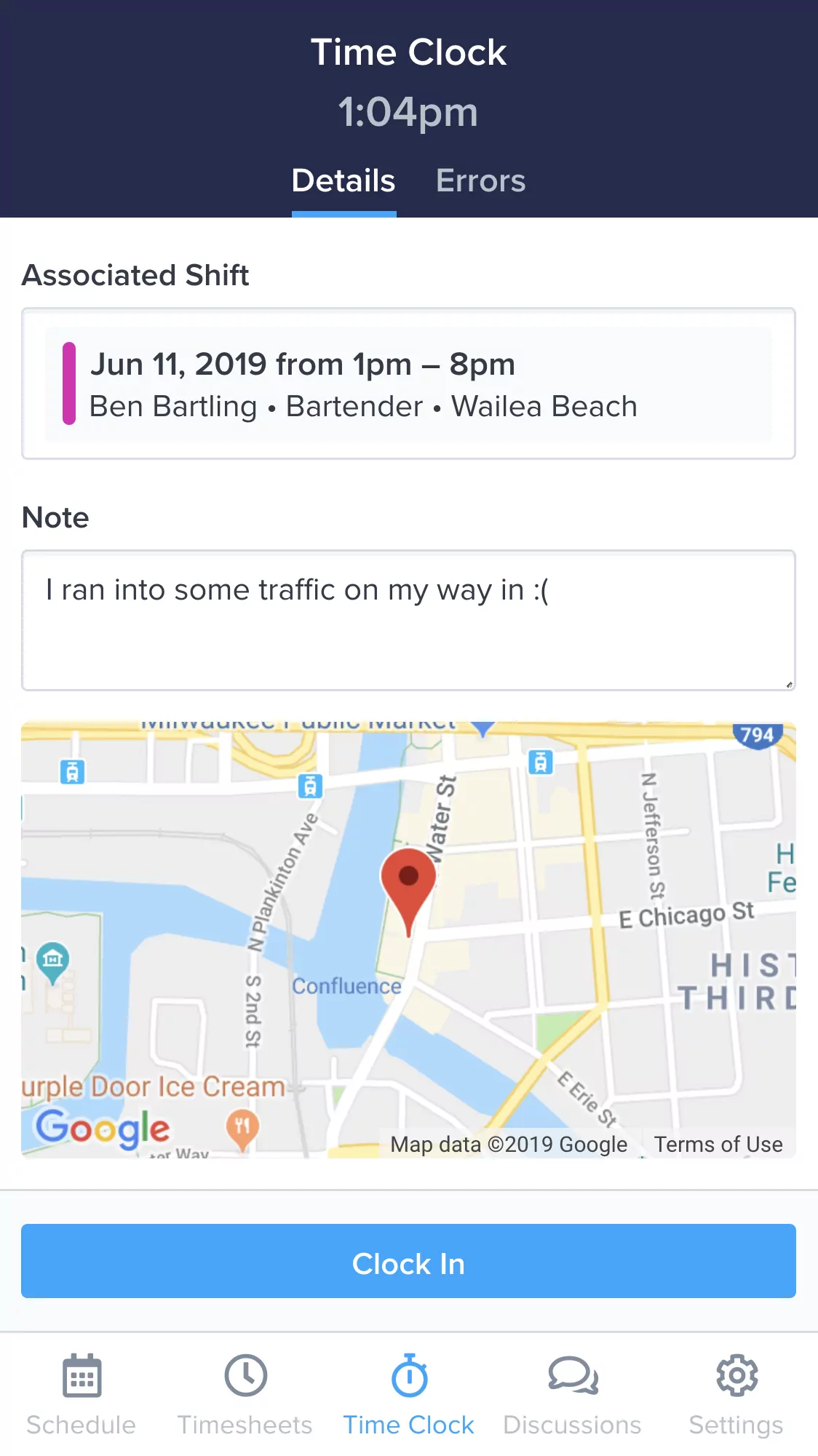
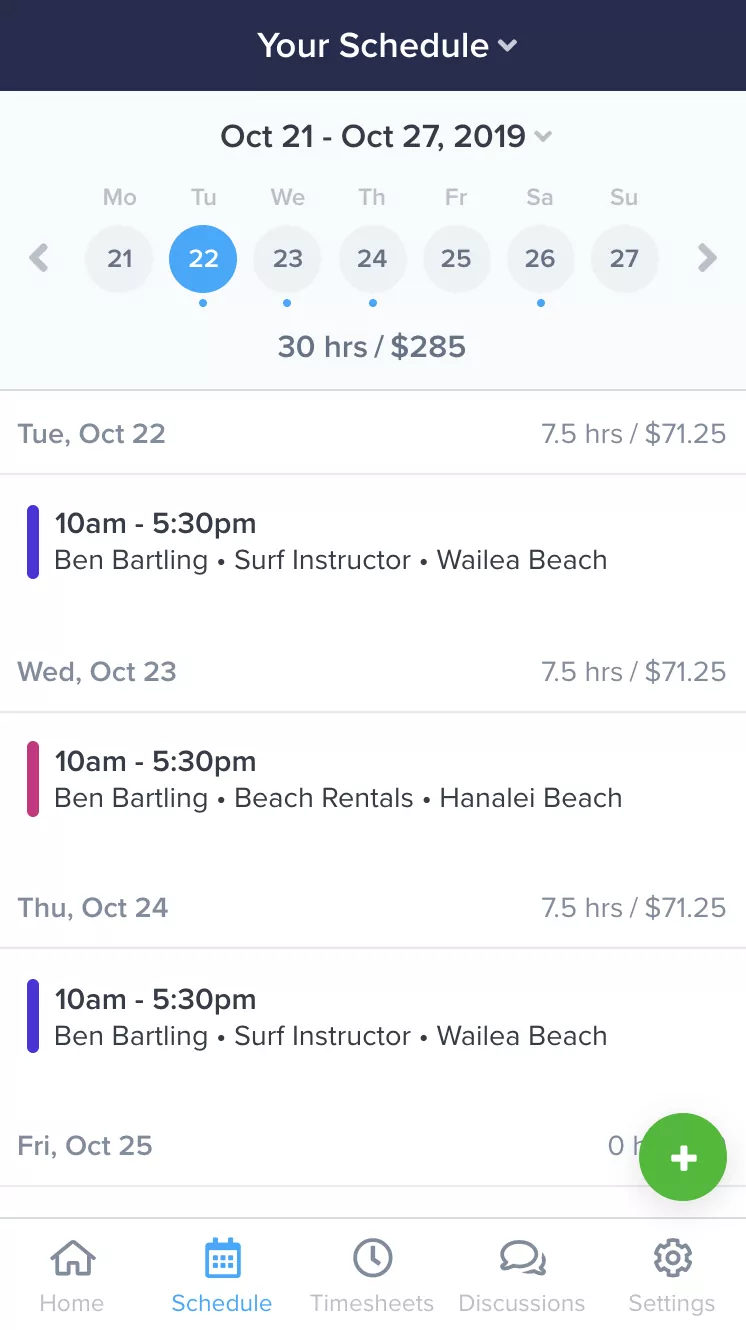
Everything you need to manage your team, in your pocket.
Make changes to the schedule and timesheets on the fly. Empower your team to collaborate anytime, anywhere. ZoomShift's free apps for iPhone and Android keep your team in sync and put you at ease.
Learn MoreSimplify your nursing scheduling today.
Spend less time scheduling and more time investing in your team and business.