EDUCATION Scheduling Software
Scheduling software that enlightens your staff and helps reclaim lost time.
ZoomShift helps you meet the constantly evolving demands with its sleek scheduling tools and extensive suite of communication tools.
Your staffing mix is more complicated than most industries.
A school or university typically runs two distinct types of hourly staff on very different schedules: instructional staff (adjuncts, tutors, instructors, aides) whose hours track to class schedules, and classified staff (custodial, food service, security, administrative support) who work fixed shifts.
Most scheduling tools handle one well and struggle with the other. ZoomShift manages both in the same account, with position labels that keep them organized without requiring separate systems.
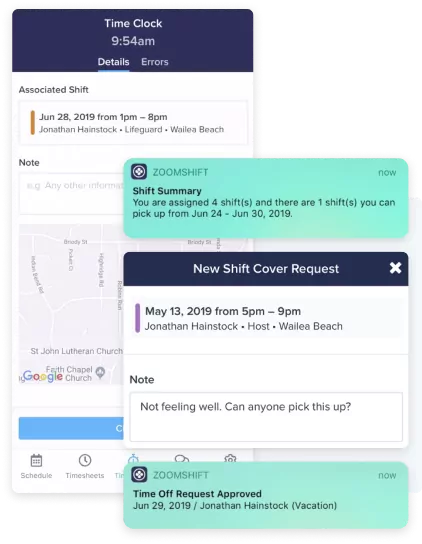
Part-time and adjunct staff have complex, shifting availability.
Adjunct faculty and part-time instructors often work at multiple institutions simultaneously. Their availability changes every term based on what else they're teaching. When you schedule without current availability data, you get conflicts and last-minute requests to swap.
ZoomShift lets part-time education staff update their availability directly in the app, and administrators build the schedule against current information.
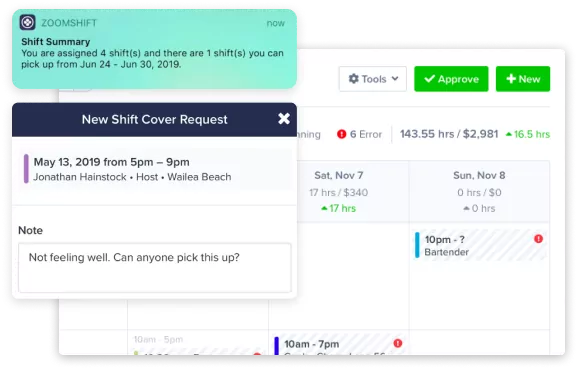
Make education schedules faster.
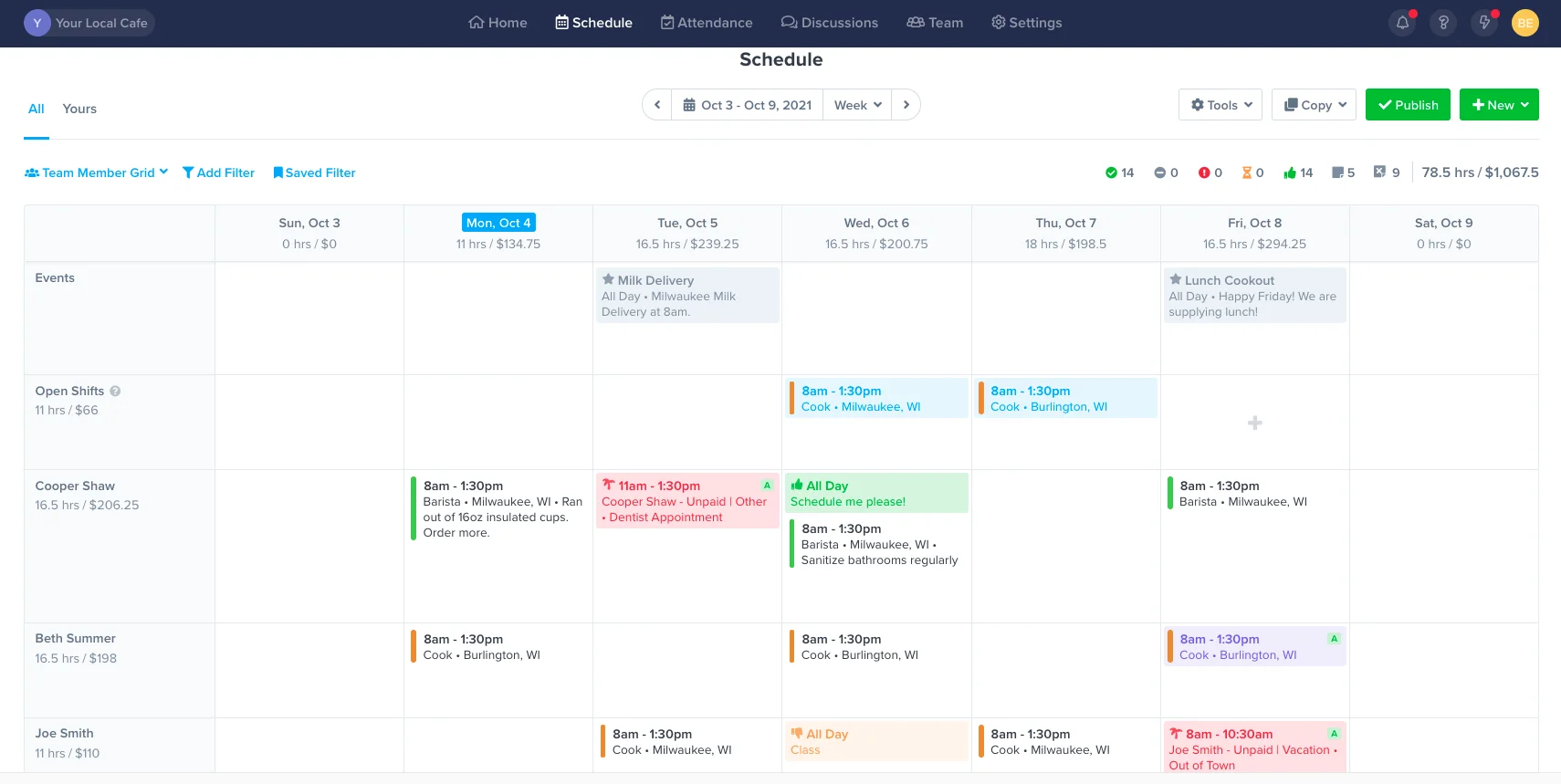
Get everything you need in one place – availability preferences, time off requests, events, shift swaps. Use templates to build schedules, fast.
Copy work schedules
Use templates to schedule in minutes. Drag and drop shifts in place on the calendar.
Improve staff accountability
Share schedules via text message, push notification, and email. Automate reminders from team members so they are alerted before their shift starts.
Everything in one place
Invite your team to view their schedules, set their availability preferences, request time off, and pick up open shifts.
Track labor hours and dollars
Track labor to sales and keep an eye on overtime. Always stay in control of payroll costs.
Improve communication
Keep your team in the loop with event schedules, group chats, and direct messages.
Manage requests with ease
No more text messages or calls. Respond to shift swaps and time-off requests in one place.
EDUCATION SCHEDULING
Frequently Asked Questions
Prices vary based on which package you select and how many active employees are using the software each month. Check out our Starter, Premium, and Enterprise solutions to see what fits your needs the best.
We offer a full-fledged 14-day free trial you can access here. No credit card is required.
If you have questions about ZoomShift, you can chat directly with our sales team by heading over to our homepage, clicking Demo at the top right section of your screen, and choosing a date and time that works best for you.
We also have an in-depth Knowledge Center jam-packed with popular articles, guides, and more frequently asked questions (FAQs).
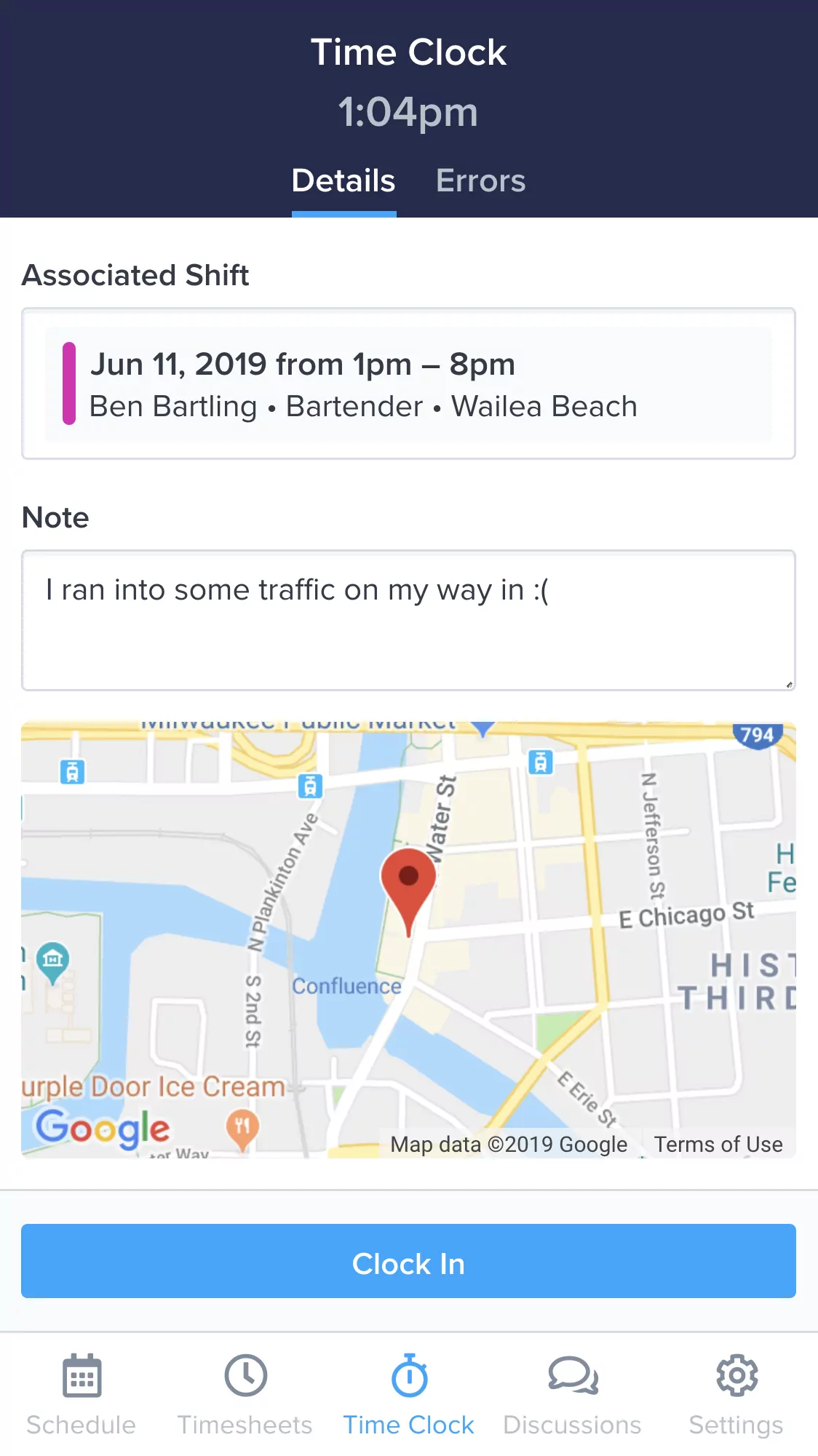
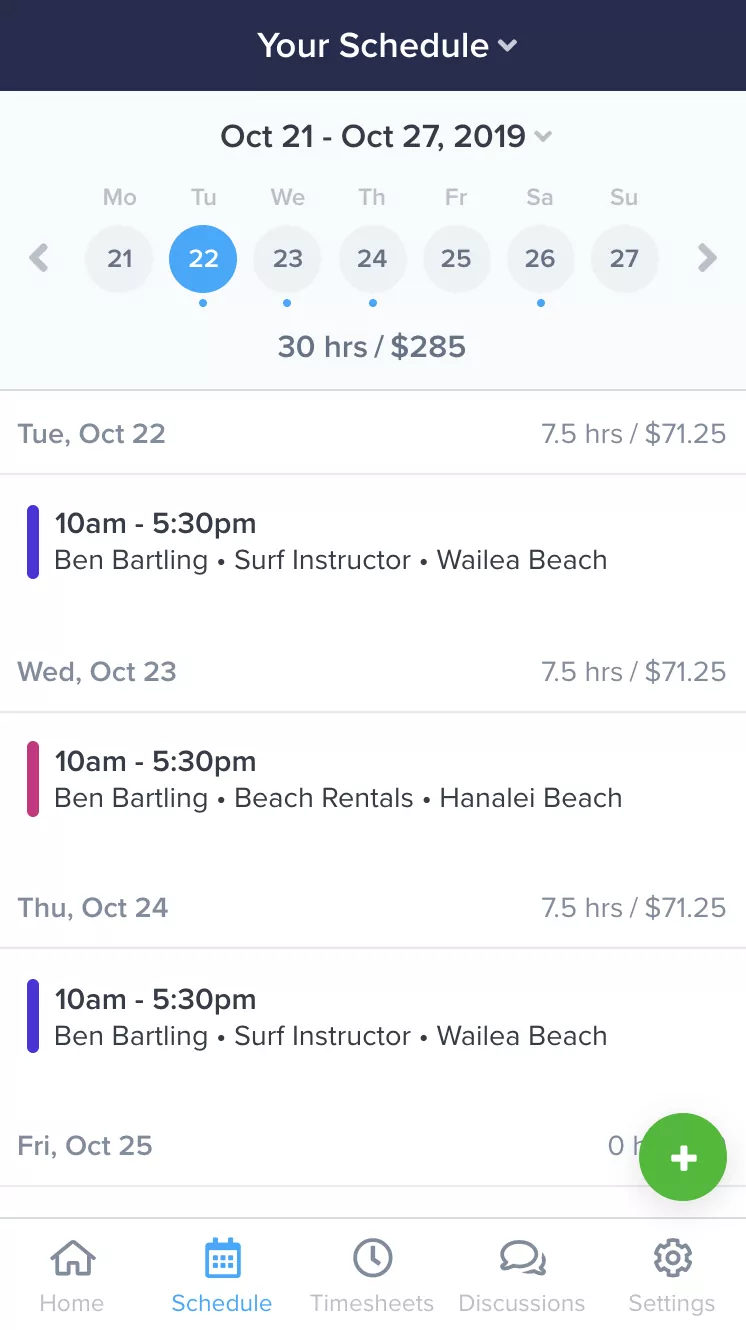
Everything you need to manage your team, in your pocket.
Make changes to the schedule and timesheets on the fly. Empower your team to collaborate anytime, anywhere. ZoomShift's free apps for iPhone and Android keep your team in sync and put you at ease.
Learn MoreSimplify your education scheduling today.
Spend less time scheduling and more time investing in your team and business.