CONSTRUCTION Scheduling Software
Effective construction scheduling for multiple crews and locations.
Your projects are fast-paced, complex, and require a lot of oversight. Scheduling should be the least of your worries, and thanks to ZoomShift, you’ll spend a fraction of the time on employee scheduling.
You can't verify who showed up at which site without GPS.
A crew member who clocks in from the truck before arriving on site, from home, or from the wrong site costs you billed hours you didn't deliver. ZoomShift's GPS time clock records the employee's location at clock-in. The geofence setting restricts clock-in to within a set radius of the job site address. If a worker tries to clock in from the wrong location, the clock-in fails.
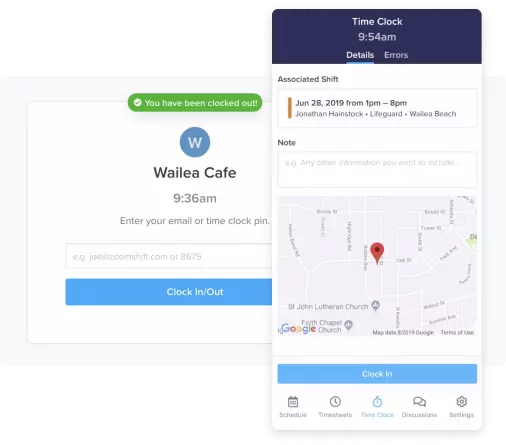
Paper timesheets cost you money in errors and processing time.
Paper timesheets get lost, illegible, or filled in from memory at the end of the week. When your payroll is based on what workers wrote down rather than what was actually worked, errors run in both directions — and you may not catch them until the paycheck is already processed. ZoomShift's digital time clock gives you a GPS-verified, timestamped record of every clock-in and clock-out for every worker at every site.
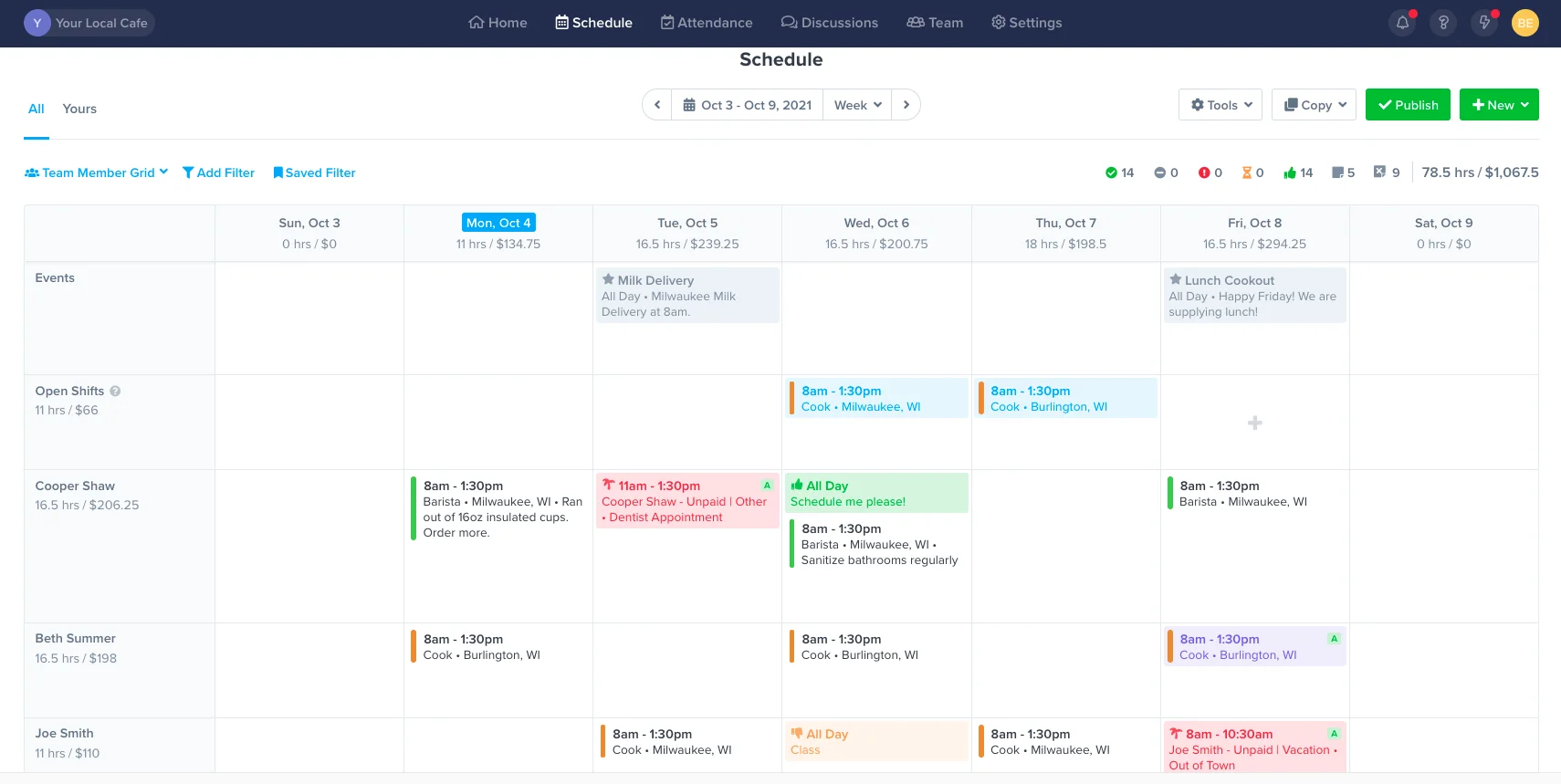
Make construction schedules faster.
Get everything you need in one place – availability preferences, time off requests, events, shift swaps. Use templates to build schedules, fast.
Copy work schedules
Use templates to schedule in minutes. Drag and drop shifts in place on the calendar.
Improve staff accountability
Share schedules via text message, push notification, and email. Automate reminders from team members so they are alerted before their shift starts.
Everything in one place
Invite your team to view their schedules, set their availability preferences, request time off, and pick up open shifts.
Track labor hours and dollars
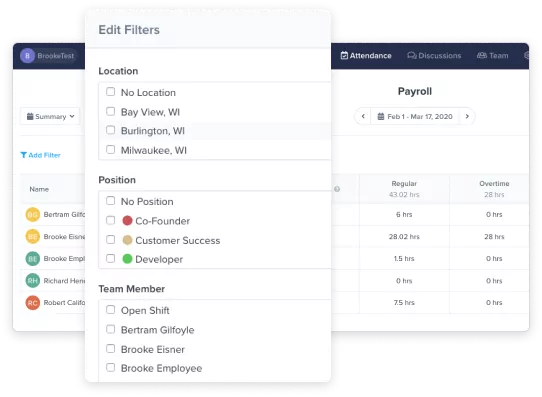
Track labor to sales and keep an eye on overtime. Always stay in control of payroll costs.
Improve communication
Keep your team in the loop with event schedules, group chats, and direct messages.
Manage requests with ease
No more text messages or calls. Respond to shift swaps and time-off requests in one place.
CONSTRUCTION SCHEDULING
Frequently Asked Questions
Prices vary based on which package you select and how many active employees are using the software each month. Check out our Starter, Premium, and Enterprise solutions to see what fits your needs the best.
We offer a full-fledged 14-day free trial you can access here. No credit card is required.
If you have questions about ZoomShift, you can chat directly with our sales team by heading over to our homepage, clicking Demo at the top right section of your screen, and choosing a date and time that works best for you.
We also have an in-depth Knowledge Center jam-packed with popular articles, guides, and more frequently asked questions (FAQs).
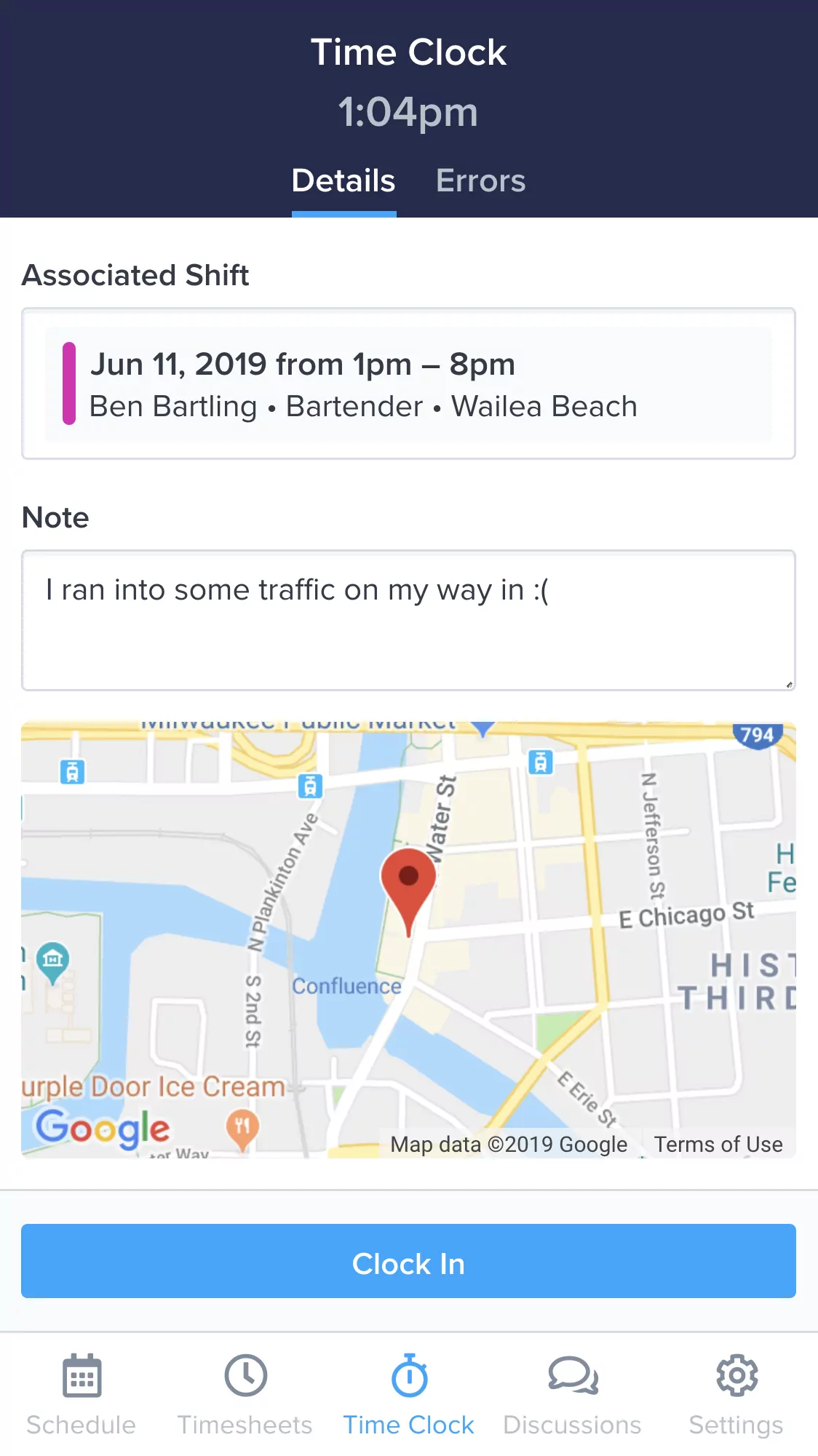
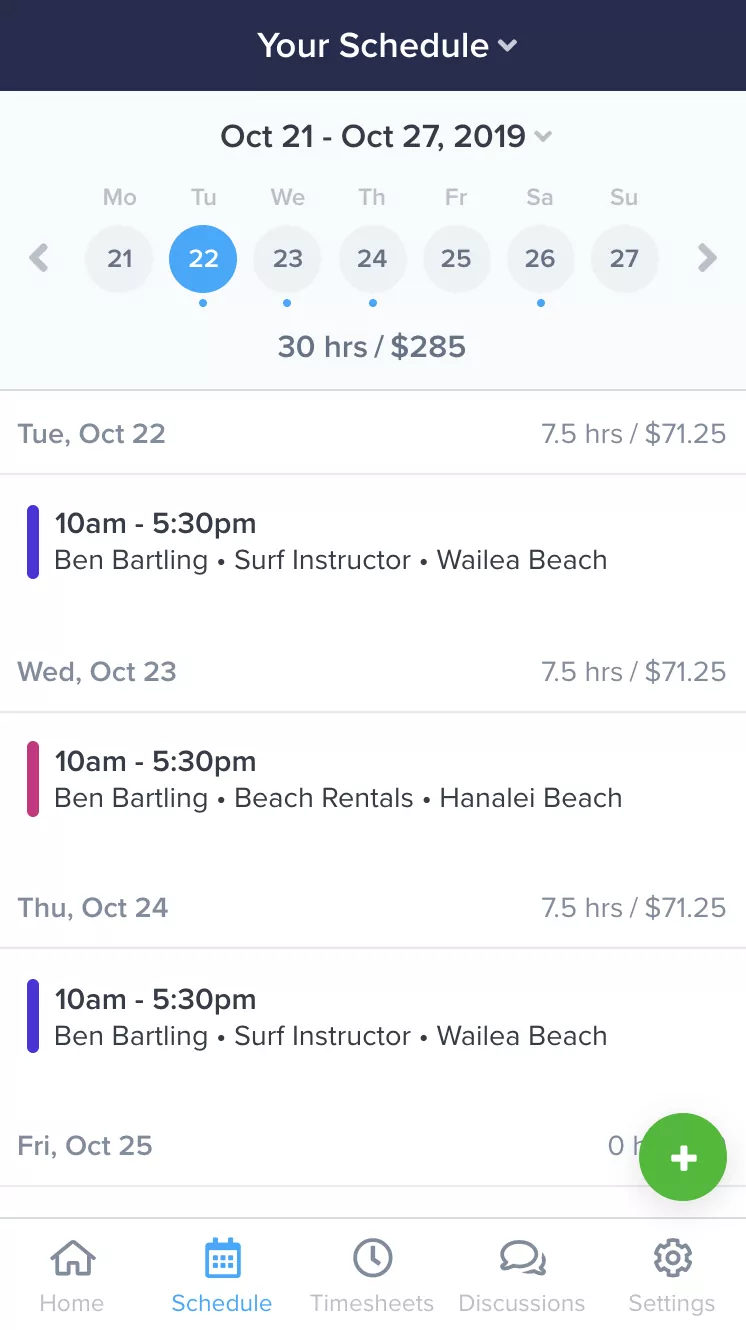
Everything you need to manage your team, in your pocket.
Make changes to the schedule and timesheets on the fly. Empower your team to collaborate anytime, anywhere. ZoomShift's free apps for iPhone and Android keep your team in sync and put you at ease.
Learn MoreSimplify your construction scheduling today.
Spend less time scheduling and more time investing in your team and business.